
Question types
Oyla has four question types. Every question has a title of up to 200 characters; the settings below depend on the type. You pick the type when you add a question and can’t change it later, so delete the question and add a new one if you need a different type.
| Type | Answers per person | Results on the screen |
|---|---|---|
| Multiple choice | 1 | Bars with percentages and vote counts |
| Word cloud | 1 to 5 (default 3) | Words that grow with the number of people who gave them |
| Open question | 1 to 5 (default 1) | Answers as notes, newest first |
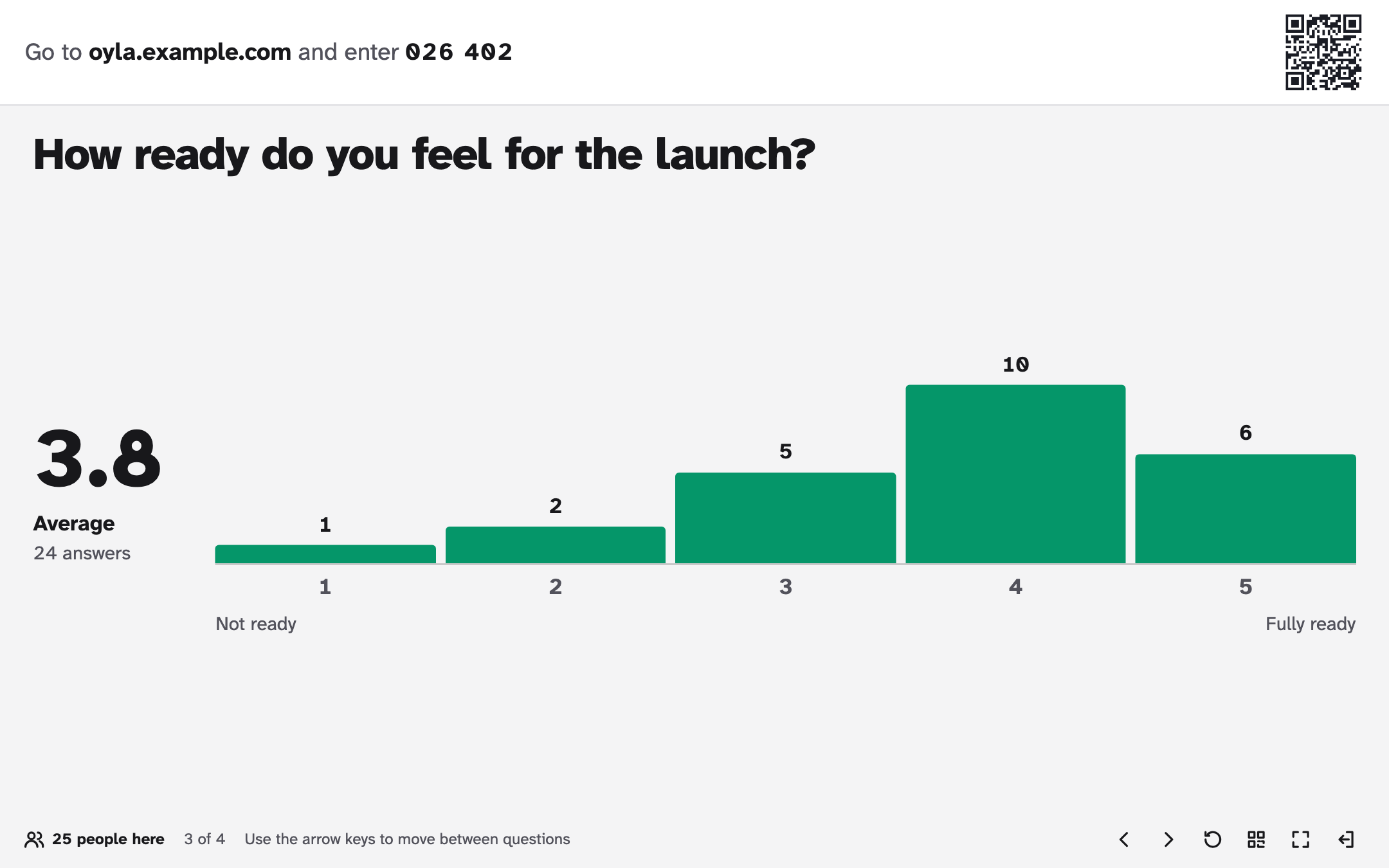
| Scale | 1 | Average and a column chart of the ratings |
Multiple choice
Section titled “Multiple choice”Everyone picks one option.
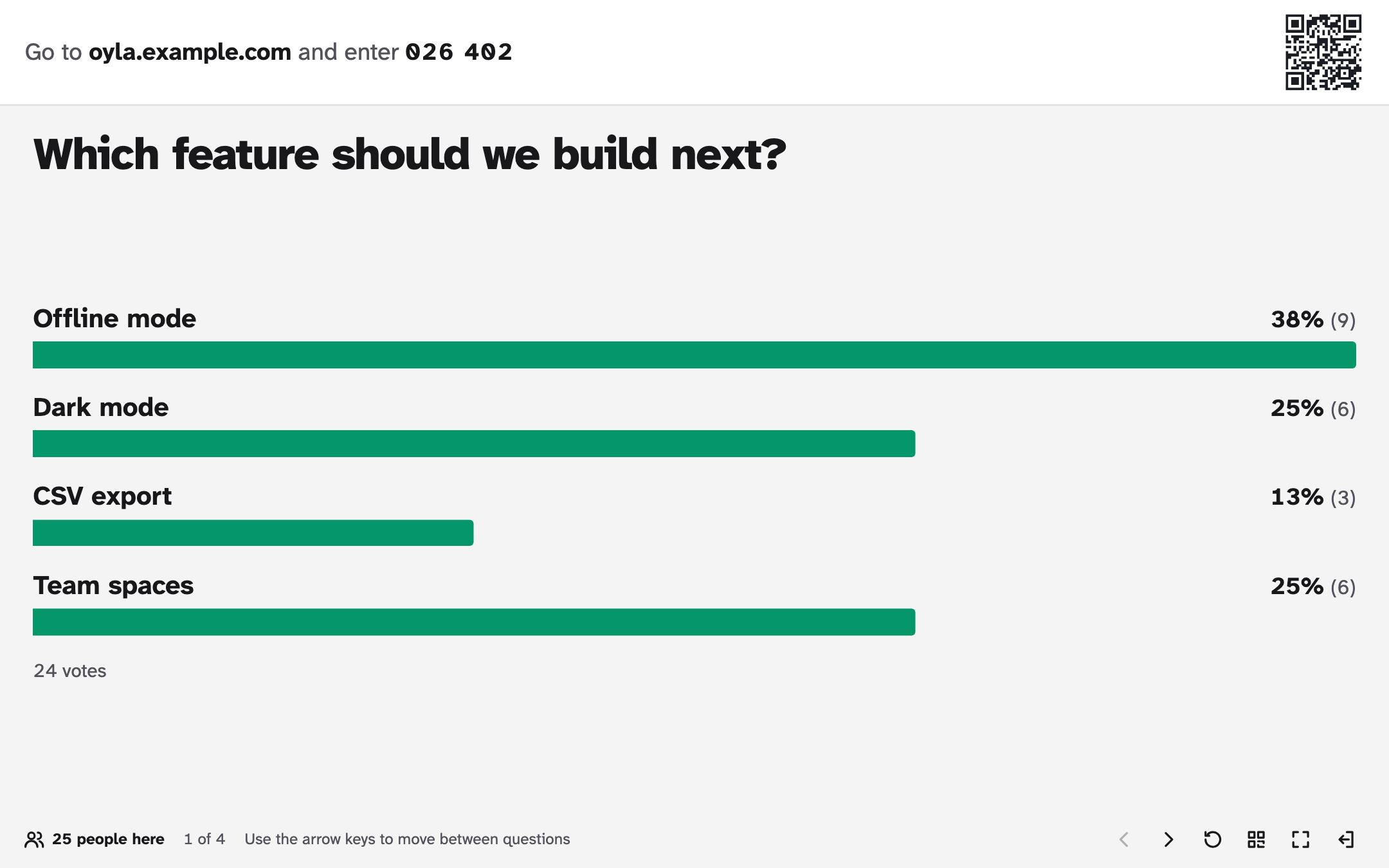
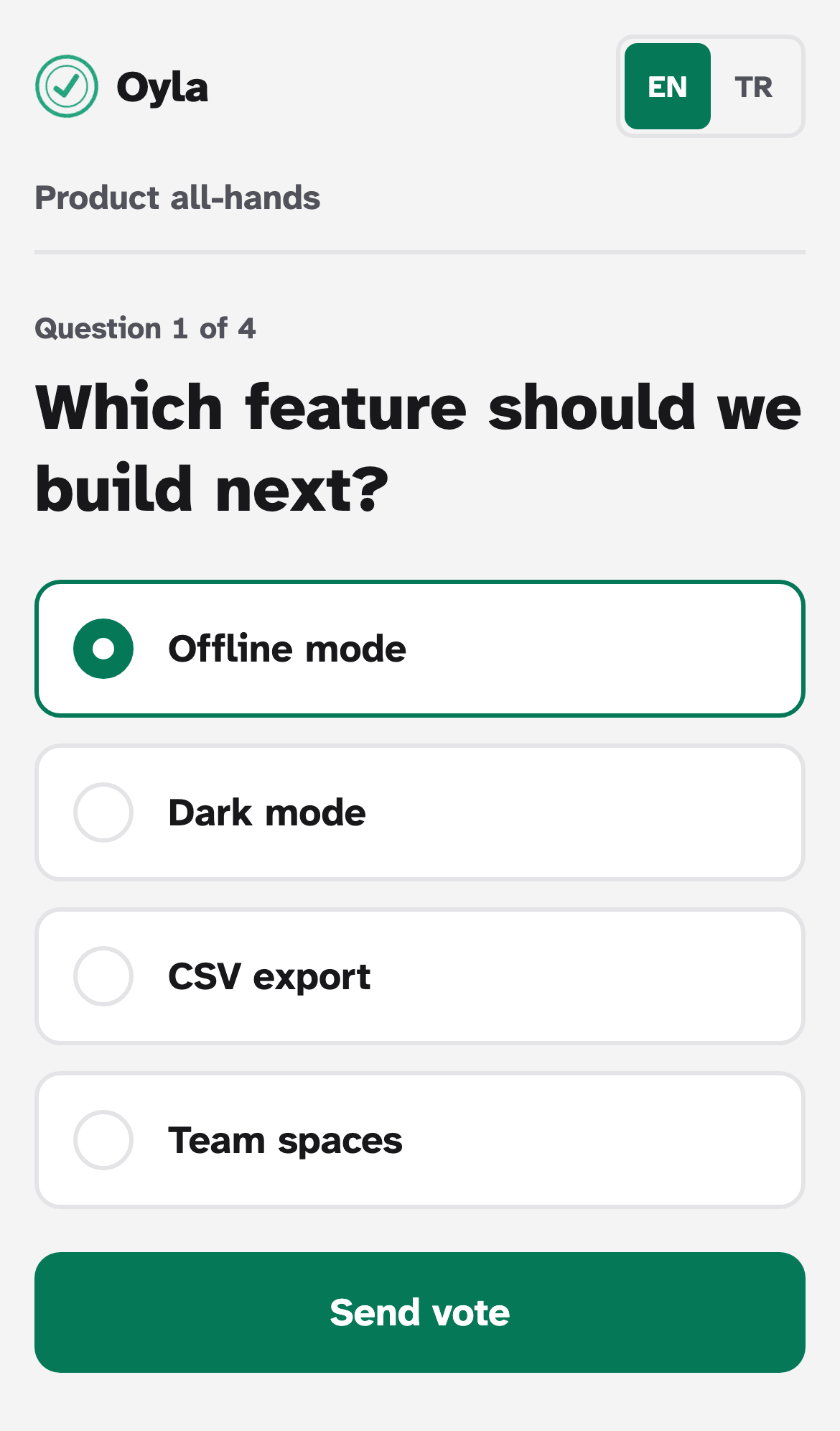
Settings: 2 to 10 Options, each up to 80 characters. Use Add option and the × next to an option to change the list. An option left empty shows as “Option 1”, “Option 2” and so on.
Results: one bar per option with its share in percent and the number of votes, plus the total. All bars use one colour, and every bar carries its label, so the chart reads well for colour-blind viewers and on washed-out projectors.
Each option keeps a stable internal id. Renaming an option or adding new ones keeps the votes already given; votes for a removed option stop counting.
Word cloud
Section titled “Word cloud”Participants send short answers. The more people give the same answer, the bigger it gets.
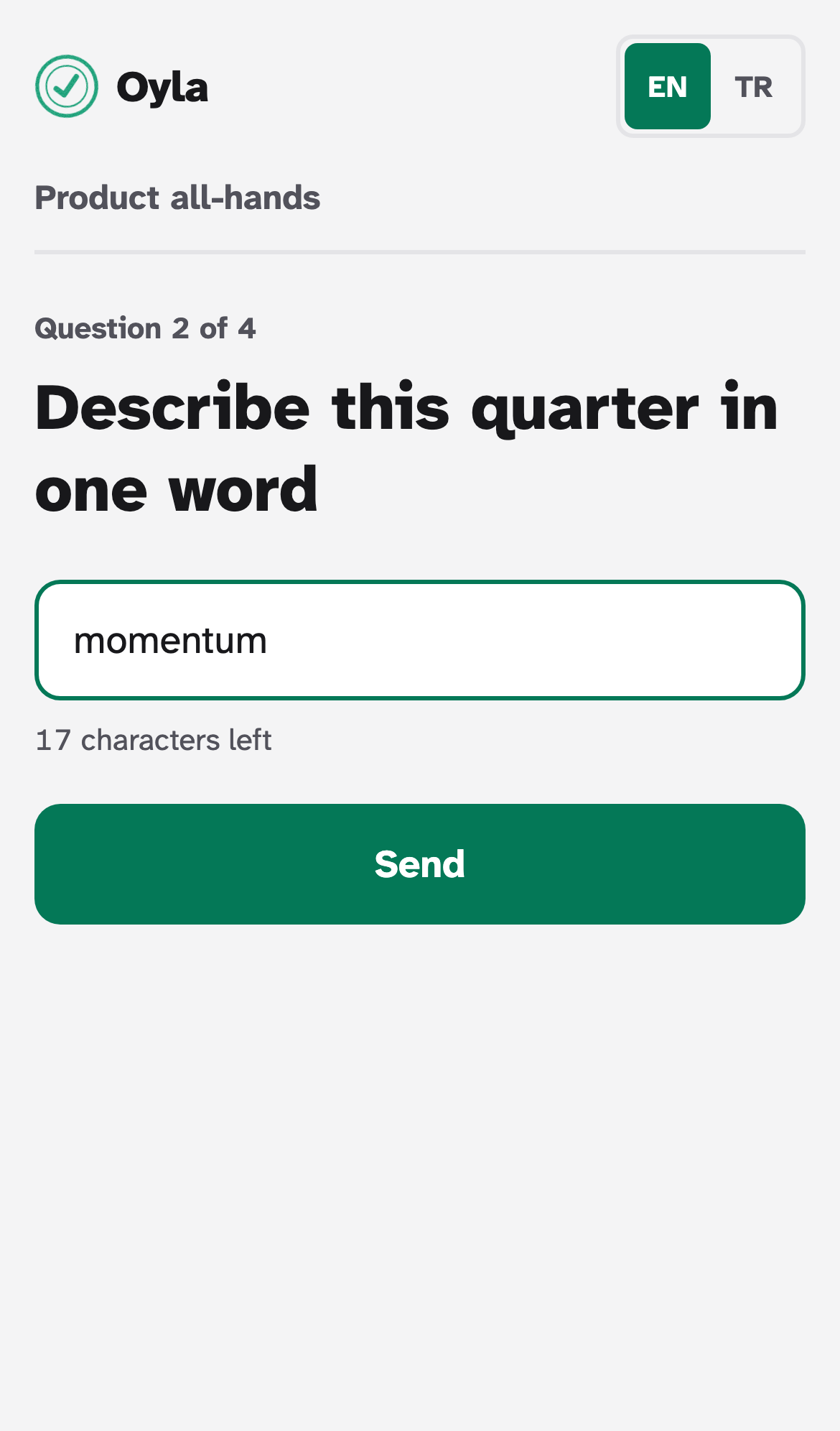
Settings: Answers per person, from 1 to 5 (default 3).
Answers: 1 to 25 characters. Leading and trailing spaces are removed and runs of spaces become one.
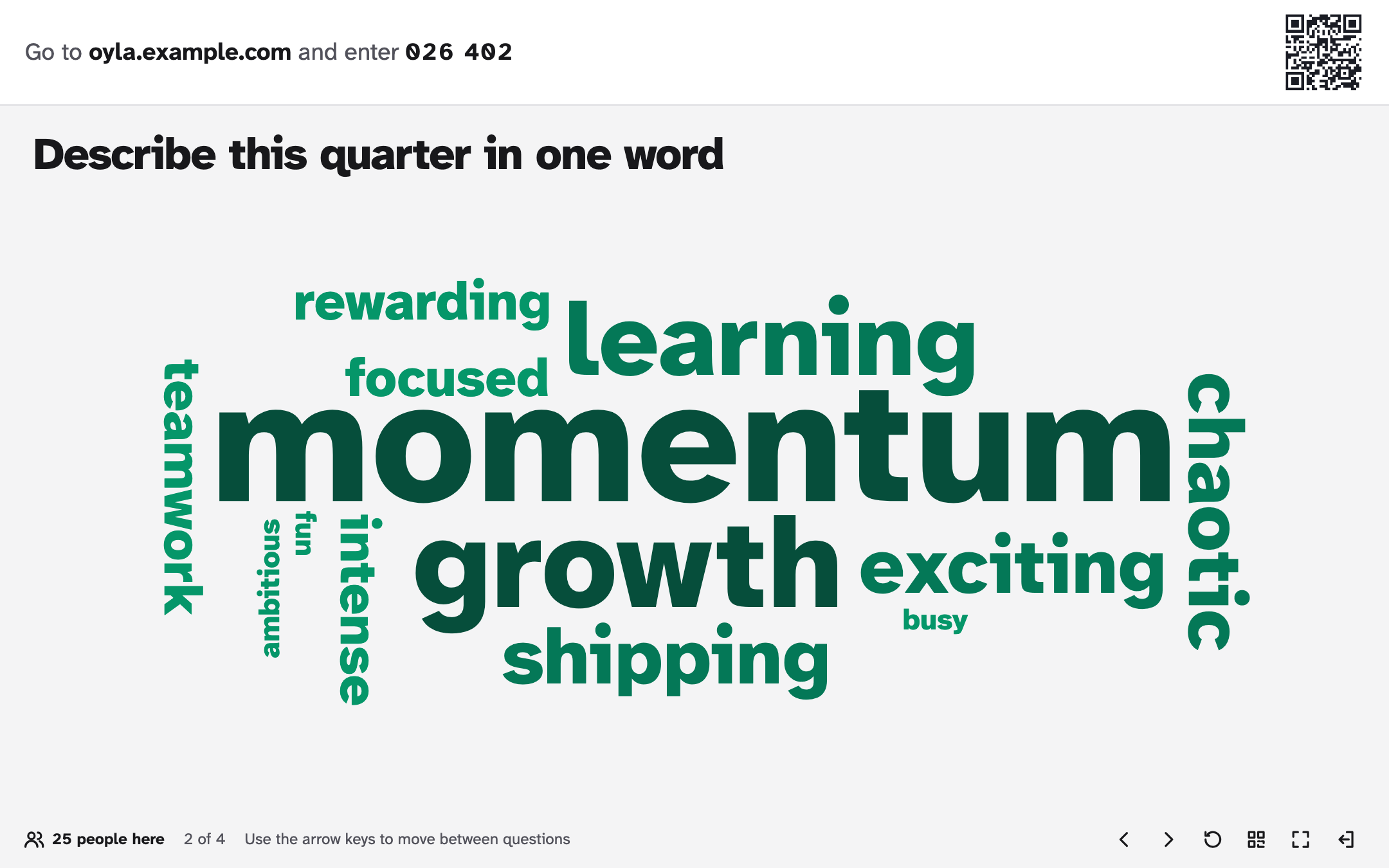
Results: the 100 most common answers. Answers are grouped without regard to upper and lower case, so “Pizza” and “pizza” count as one word; the screen shows the spelling that arrived first.
Each word is sized by how many people wrote it, so popular answers stand out clearly from the rest. Some words are turned to read vertically, rotated 90° one way or the other, while the most frequent word stays horizontal near the centre. A word’s direction is worked out from the word itself, so every word keeps its orientation as new answers arrive.
Open question
Section titled “Open question”Participants write free text, and the answers appear as notes on the screen.
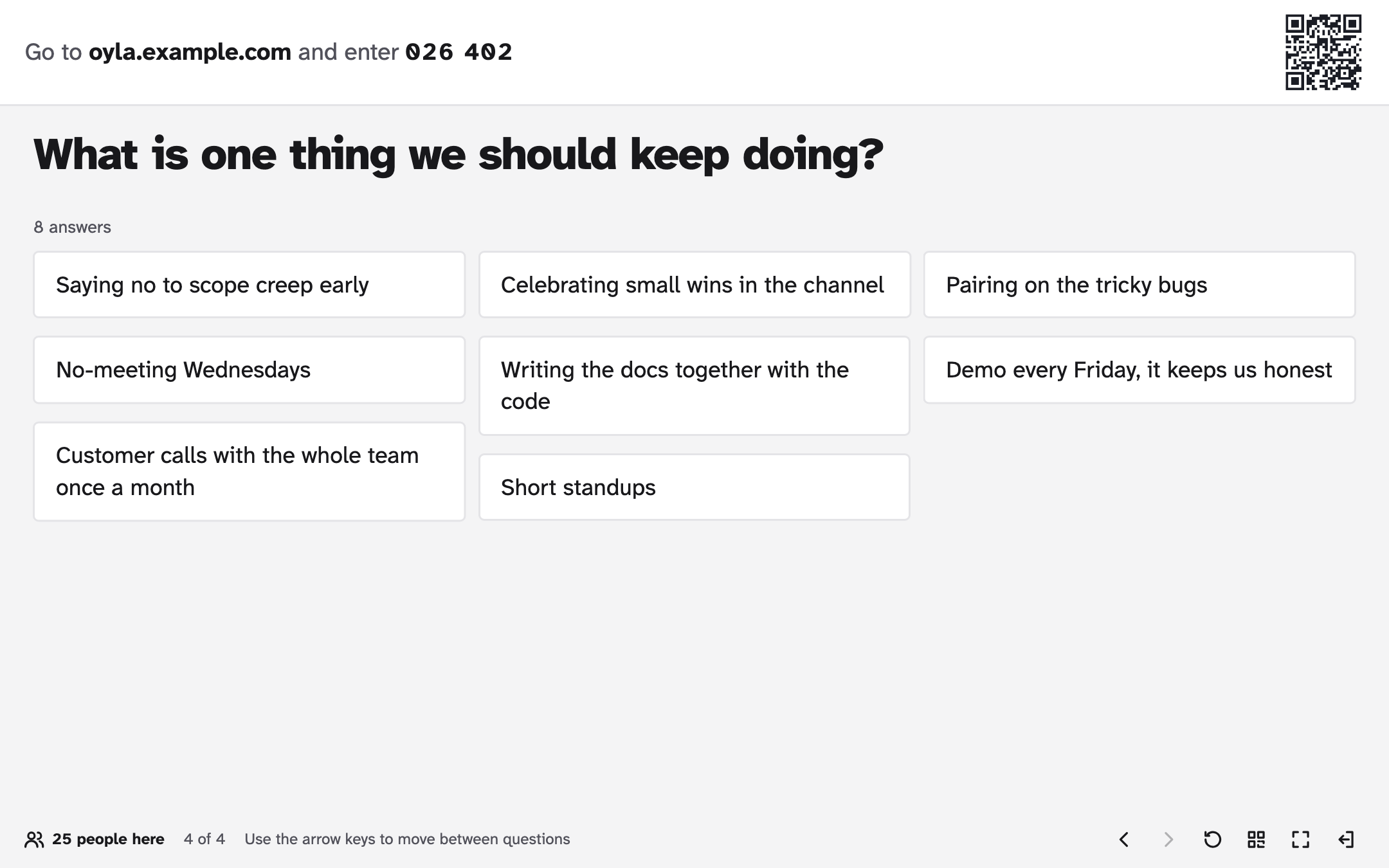
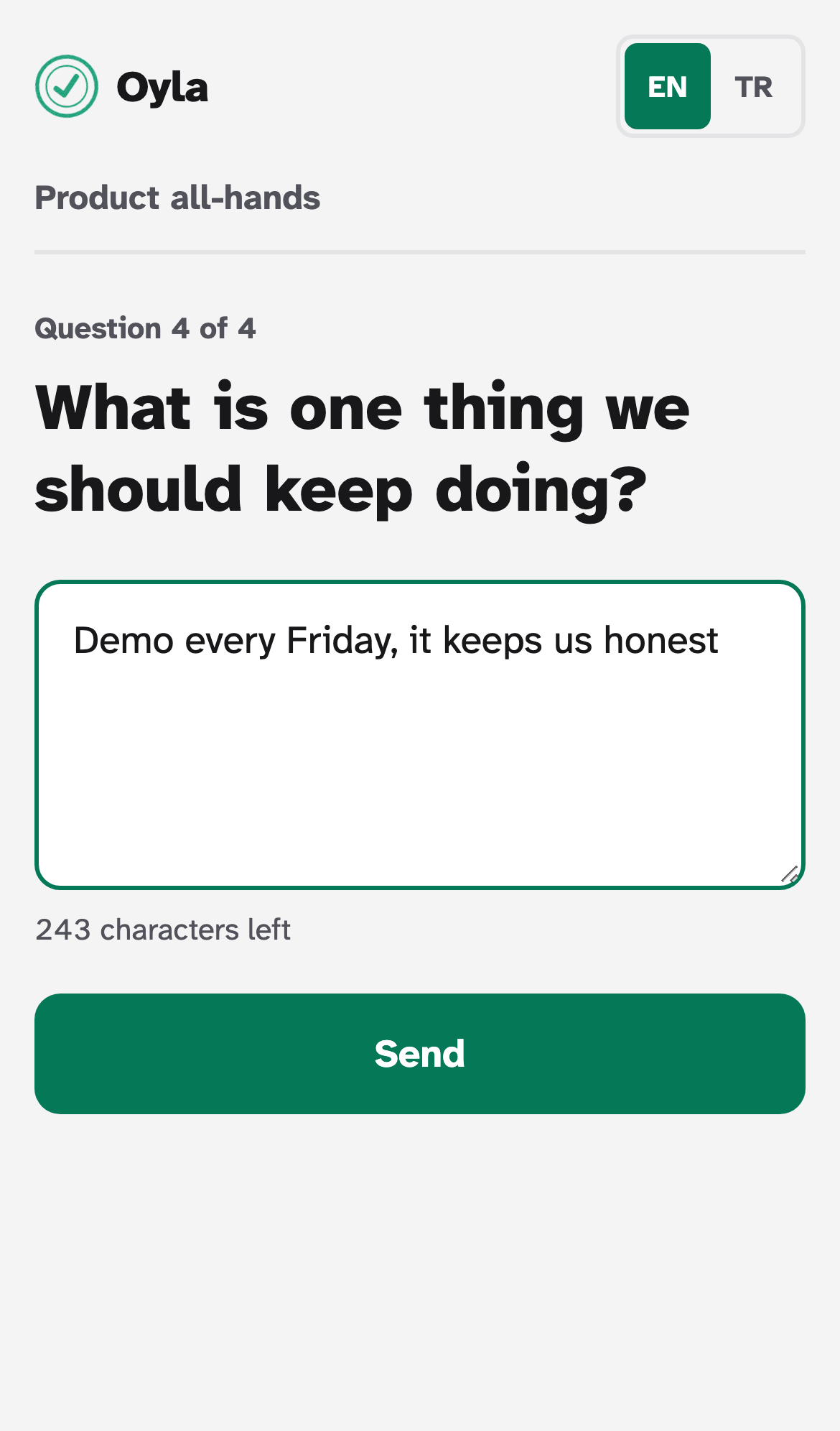
Settings: Answers per person, from 1 to 5 (default 1).
Answers: up to 280 characters. Line breaks are kept.
Results: the latest 200 answers, newest first, and the total number of answers. There is no moderation yet: every answer appears on the screen as soon as it arrives. Keep that in mind with a large or unknown audience.
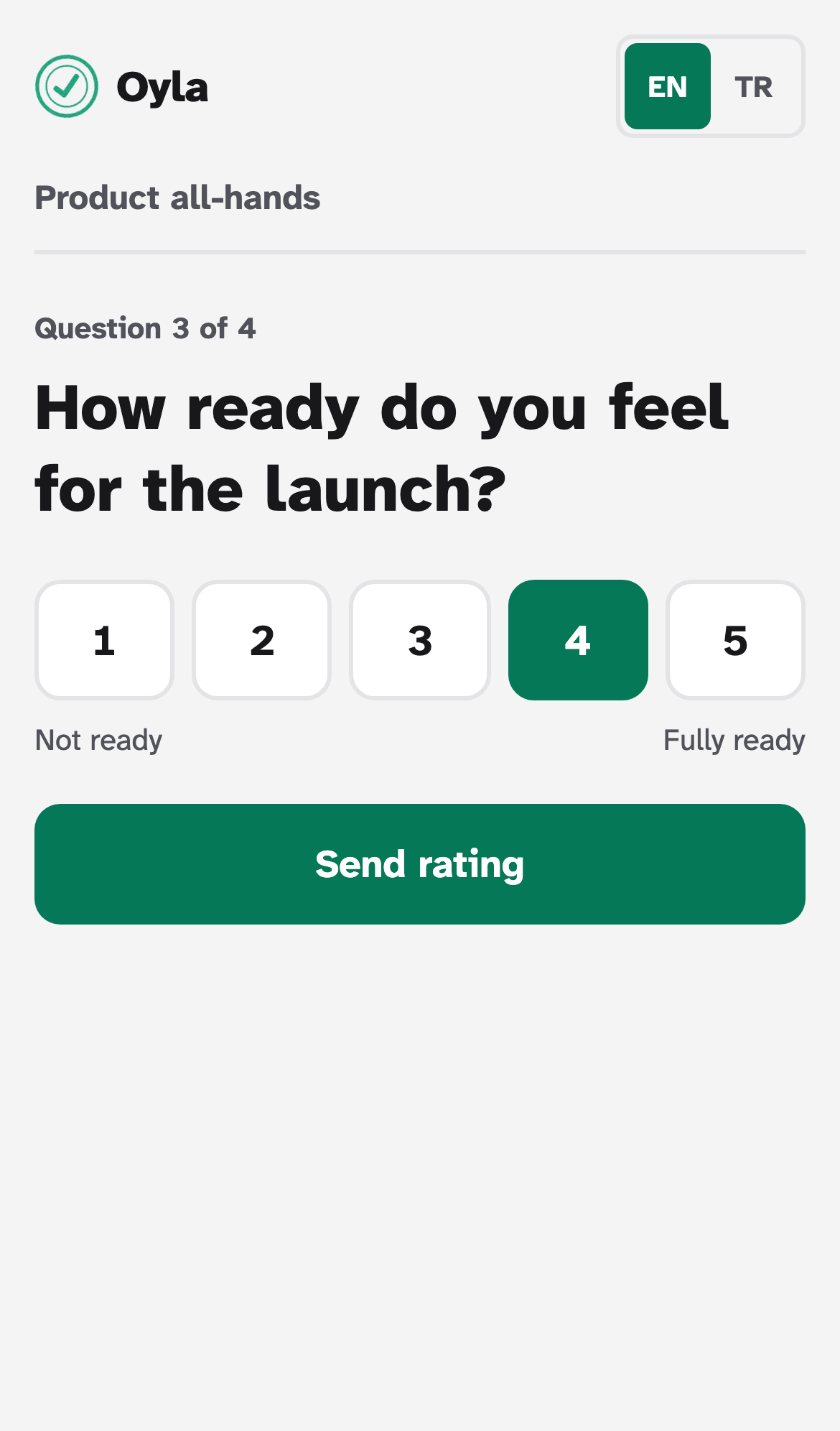
People rate a statement from low to high.
Settings:
- From: 0 or 1 (default 1).
- To: 2 to 10 (default 5).
- Label for the lowest value and Label for the highest value: optional, up to 40 characters each, for example “Not at all” and “Completely”.
Results: the average with one decimal, the number of answers, and a column per value showing how many people picked it. If you change the range after people answered, ratings outside the new range stop counting.
Limits for every type
Section titled “Limits for every type”| Limit | Value |
|---|---|
| Presentation name | 120 characters |
| Question title | 200 characters |
| Questions per presentation | 50 |
| Answers per question, all participants together | 2,000 |
Missing a type?
Section titled “Missing a type?”Quizzes, audience Q&A with upvotes and multi-statement scales are on the roadmap. If you want to build one, start with Adding a question type.