
Four question types
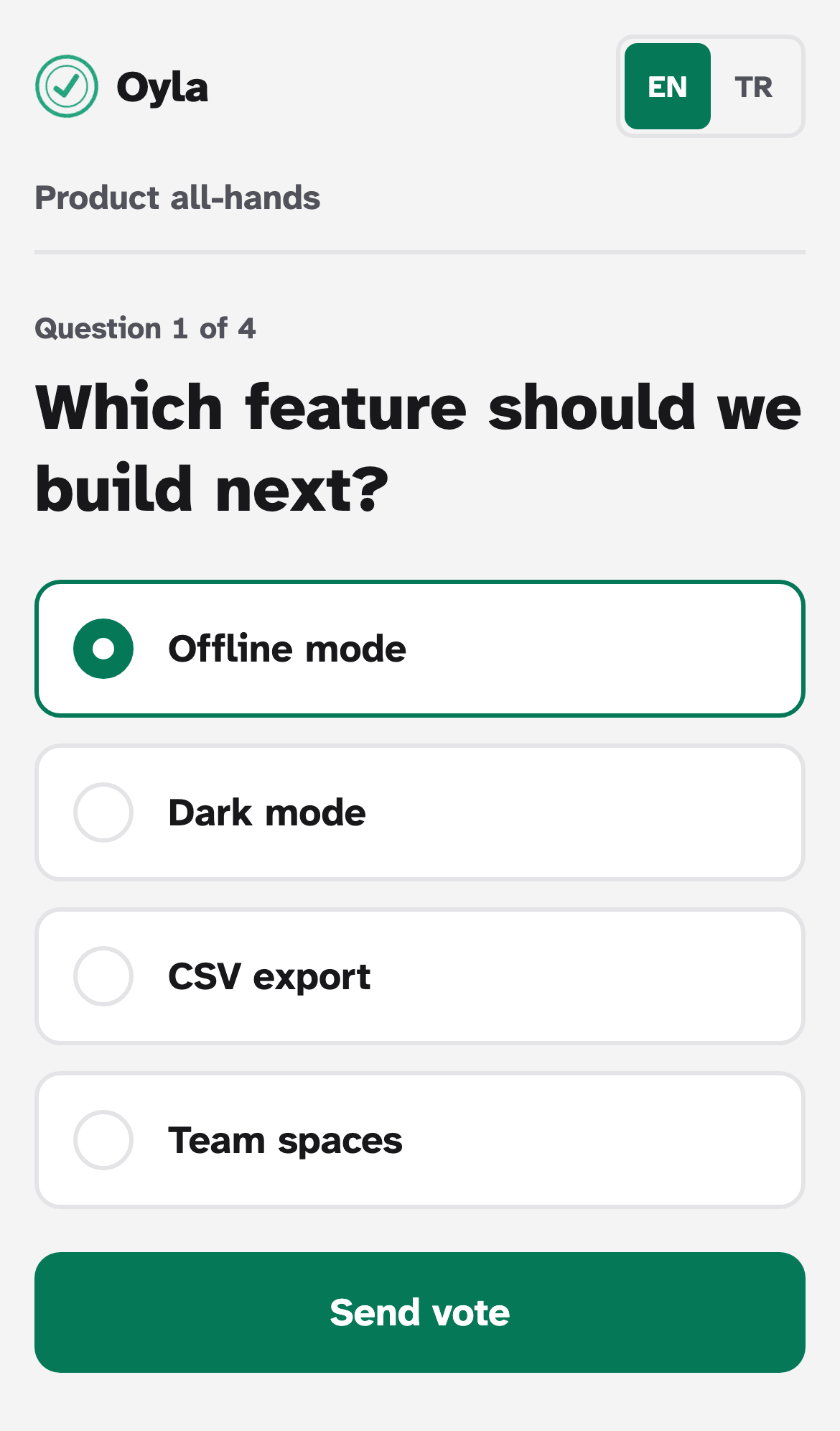
Multiple choice, word cloud, open question and scale. Each one has its own editor, phone form and live results view. See Question types.
“Oyla” means “vote!” in Turkish. You ask a question, everyone in the room answers from their phone, and the results build up on the big screen. It covers what you would use Mentimeter or Slido for, without accounts, an app to install or a subscription.
Four question types
Multiple choice, word cloud, open question and scale. Each one has its own editor, phone form and live results view. See Question types.
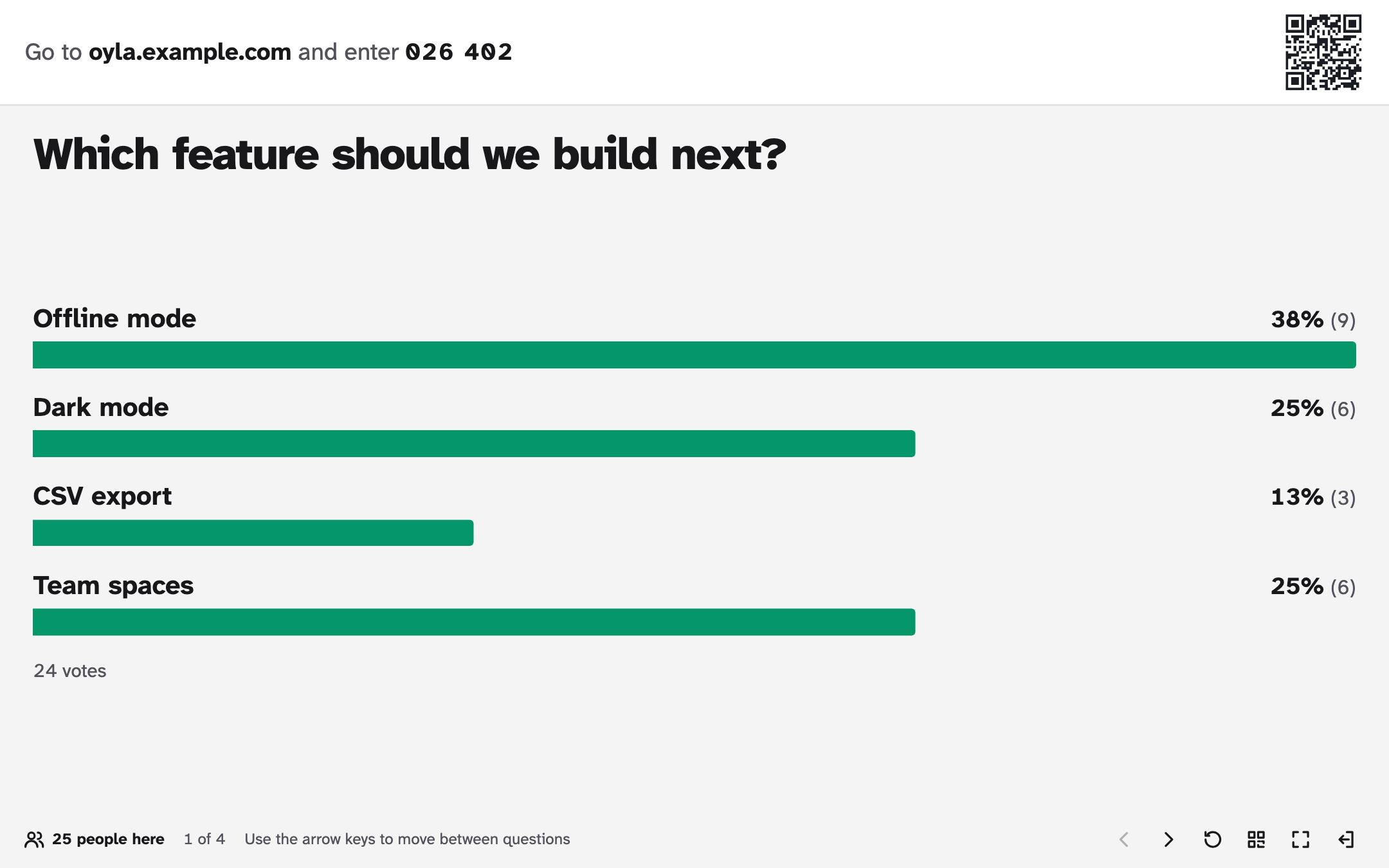
Join with a code or a QR code
Participants type the 6-digit code from the screen or scan the QR code. There is no app to install, no sign-up and no name to enter.
Live results for projectors
Results update as answers arrive. Large type, high contrast, keyboard shortcuts and full screen; presentation clickers work too.
Presentation themes
Give each presentation one of four colour themes: Emerald, Indigo, Navy & orange or Classic blue. The presenter screen and every phone use it. See Choose a theme.
No accounts
Creating a presentation gives you a private admin link. If you like, your server can require a password for creating presentations.
English and Turkish, light and dark
The interface follows the browser language and the device’s light or dark setting. Every page has a language switch.
One container, one file
One Node.js process and one SQLite file, packaged as a Docker image. No database server and no third-party services.
Easy to extend
A question type is one shared definition plus three React components, and TypeScript tells you when a piece is missing.
Oyla is software you run on your own computer or server. There is no hosted Oyla service to sign up for: your presentations and your audience’s answers stay on a machine you control.
With Docker, clone the repository, build the image and start a container:
git clone https://github.com/mftnakrsu/oyla.gitcd oyladocker build -t oyla .docker run -d --name oyla -p 3000:3000 -v oyla-data:/data oylaOpen http://localhost:3000 and create your first presentation.
Everything is stored in the oyla-data volume. For phones to join, they need to reach the server,
either on the same network or over the internet with HTTPS.
Once it runs, Presenting walks you through your first session.
Oyla is free software under the MIT License. The code, the issues and the plans are on GitHub. Contributions are welcome, from typo fixes and translations to new question types.